8 File Transfer Basics
Most everyday transfers between your laptop and Hazel are small enough to handle with the cluster’s built-in tools. This chapter covers the three most common options: the OnDemand web interface, scp for one-shot copies, and sftp for interactive sessions. For datasets larger than ~1 GB or transfers between institutions, see the Globus chapter.
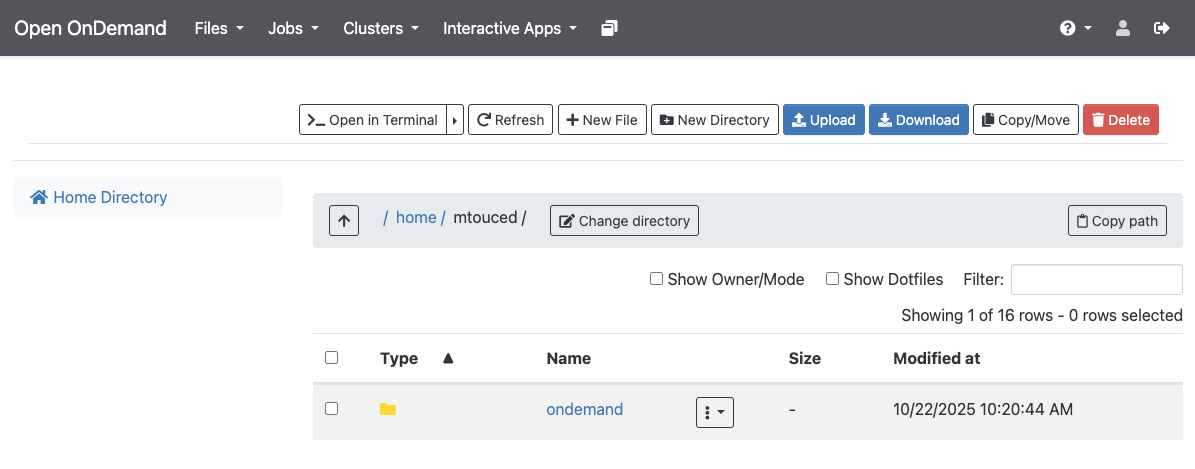
8.1 OnDemand (small files, browser)
Navigate to OnDemand → Files. Use Go To to select your destination, then Upload or Download.
8.2 SCP (single file, one direction)
Run from your local machine — do not log in to HPC first:
# Local → HPC
$ scp myfile.txt [UnityID]@login.hpc.ncsu.edu:/rs1/researchers/[letter]/[name]/

# HPC → local
$ scp [UnityID]@login.hpc.ncsu.edu:/rs1/researchers/[letter]/[name]/myfile.txt .
8.3 SFTP (multiple files, interactive)
$ sftp [UnityID]@login.hpc.ncsu.edu
sftp> cd /path/to/remote/dir
sftp> put localfile.txt       # upload
sftp> get remotefile.txt      # download
Tip
Moving more than a gigabyte or two, or syncing data with collaborators at another institution? Skip scp/sftp and use Globus — it’s faster, resumable, and far more reliable for large transfers. See the next chapter.